Text-Based Pseudolabeling

Automated object detection and annotation using natural language prompts. Combines Grounding DINO and Segment Anything (SAM) to generate precise rotated bounding boxes and segmentation masks from text descriptions, with Docker deployment for scalable processing.

Autolabeling Repo Dockerized Repo Computer Vision Machine Learning Docker

Project overview

This system automates the generation of training data for object detection models by using natural language descriptions to detect and segment objects in images. It combines Grounding DINO's zero-shot object detection with SAM's precise segmentation capabilities, producing rotated bounding boxes and masks suitable for computer vision datasets.

Core Features

  • Text-prompt based object detection using Grounding DINO
  • High-precision segmentation masks with Segment Anything Model (SAM)
  • Automatic generation of rotated bounding boxes (handles partial objects)
  • Dual output formats: ImageNet XML and custom Cartel JSON
  • Synthetic data generation through background overlay
  • Dockerized deployment with CUDA GPU support
  • Interactive Gradio web interface for real-time labeling

Technical Implementation

The pipeline processes images through Grounding DINO for detection, passes bounding boxes to SAM for segmentation, then generates rotated bounding boxes using a custom min_in_image_area_rect algorithm that handles objects extending beyond image boundaries—critical for logistics and conveyor belt applications.
Live Demo

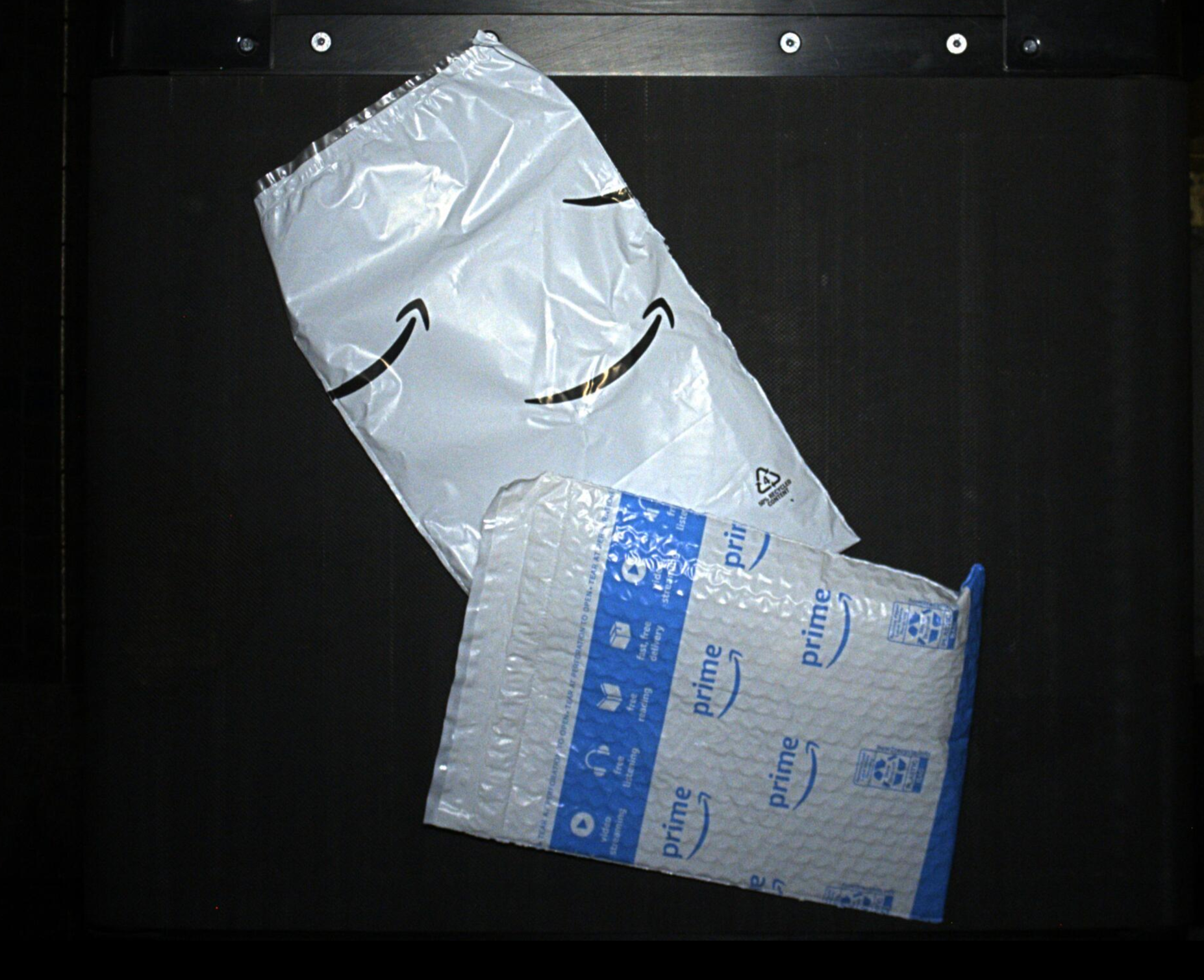
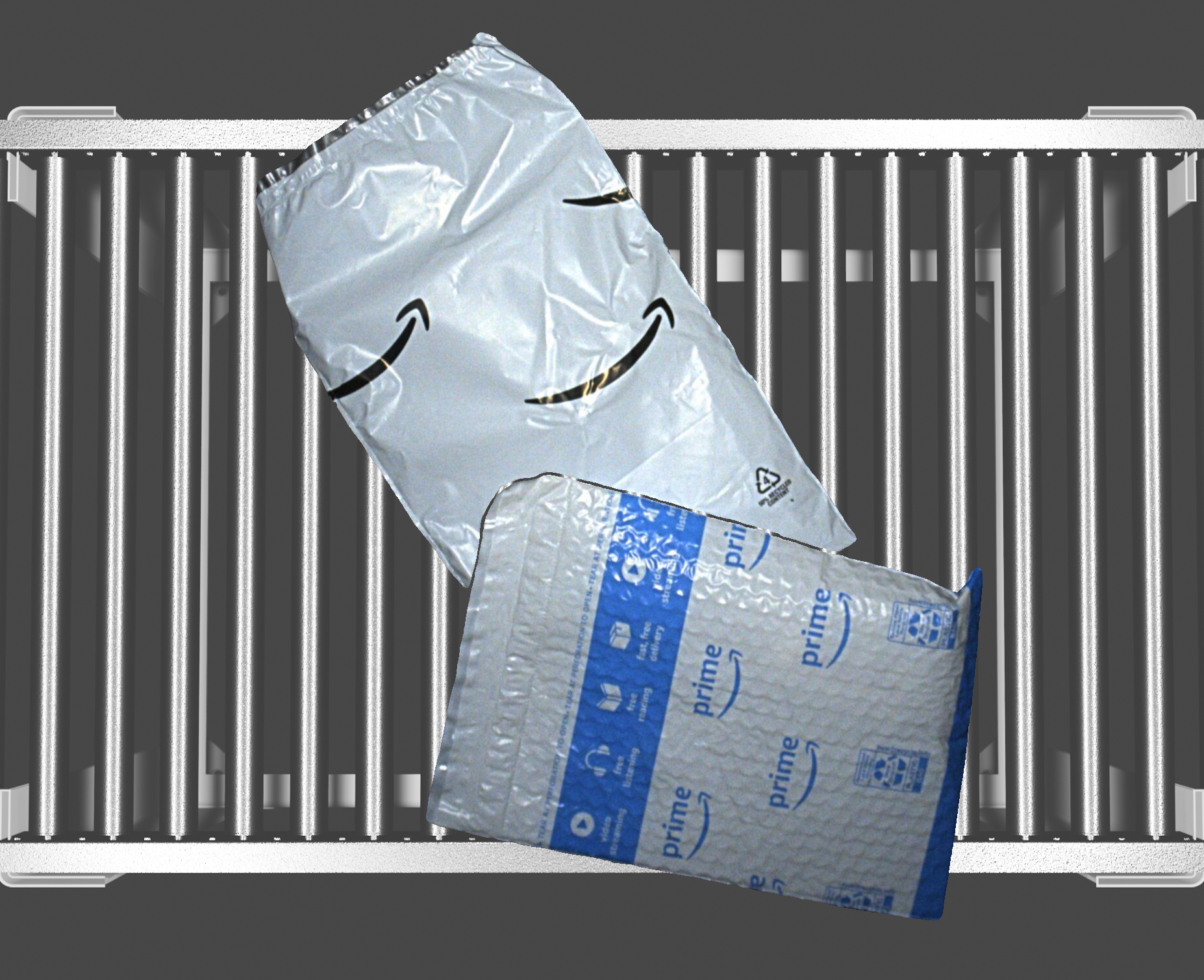
Example outputs showing original images and pseudolabeled results segmented.

Interactive demo showing real-time text-based object detection and segmentation
Original Image
Original warehouse image
Labeled Output
Detected objects with rotated bounding boxes

Example Detection Prompt

"parcel, package, box, envelope, plastic bag, tote"

The model automatically detects all mentioned object types with configurable confidence thresholds.

Docker Deployment

The system is fully containerized with NVIDIA GPU support for production deployment. Includes automated setup for all dependencies, model weights, and CUDA libraries.

Host requirements: you don't need CUDA installed on the host – the container provides CUDA 11.8 on Ubuntu 22.04. The host must only run a recent NVIDIA driver compatible with CUDA 11.8 (≥515.x) and have Docker with the NVIDIA Container Toolkit. Any modern Linux distribution (or macOS/Windows with Docker Desktop) will work.

# Build the Docker image
docker build -t pseudolabel_app .

# Run with GPU support
nvidia-docker run -it --gpus all \
    -v ~/tool_output:/workspace/tool_output \
    pseudolabel_app

# Run command-line inference
python label_app.py \
    --image_path '/workspace/images' \
    --confidence_score 0.3 \
    --prompt 'package, box, envelope' \
    --background_path '/workspace/empty_conveyor.bmp' \
    --max_iou 0.5

# Launch Gradio web interface
python gradio_demo/gradio_demo.py

Pipeline Architecture

1

Text Prompt Detection

Grounding DINO processes images with natural language prompts to identify objects matching the description

2

Precision Segmentation

SAM generates pixel-accurate masks for each detected object using the bounding box proposals

3

Rotated Bounding Boxes

Custom algorithm computes minimal rotated rectangles that handle edge cases and partial objects

4

Multi-Format Export

Annotations saved in ImageNet XML and Cartel JSON formats with visualization overlays

Key Algorithms & Techniques

  • Zero-Shot Detection: Grounding DINO enables detection of arbitrary objects via text descriptions without retraining
  • IOU-Based Filtering: Removes duplicate detections using intersection-over-union thresholds
  • ROI Masking: Spatial filtering to focus detection on specific image regions
  • Area-Based Filtering: Min/max area constraints to eliminate noise and over-detections
  • Mask Compositing: Logical OR reduction for multi-object mask combination
  • Synthetic Data Generation: Foreground extraction and background overlay for dataset augmentation
  • Edge-Case Handling: Custom min_in_image_area_rect for objects extending beyond image boundaries

File Structure & Organization

label_app.py
→ Main pseudolabeling pipeline with CLI interface
gradio_demo/
→ Interactive web interface for real-time labeling
utilities/
→ Helper modules (filters, file management, format conversion)
Dockerfile
→ CUDA 11.8 + cuDNN deployment configuration
requirements.txt
→ Python dependencies (PyTorch, OpenCV, supervision)